Retail Marketing
A retail marketing team got one spend number, and an alert when it moved.
A retail marketing team was drowning in inconsistent campaign naming across platforms and had no single view of spend. We cleaned the data, standardized the campaigns, built the dashboard, and wired up a day-over-day spend alert. The client's boss stopped asking whether the numbers were right.
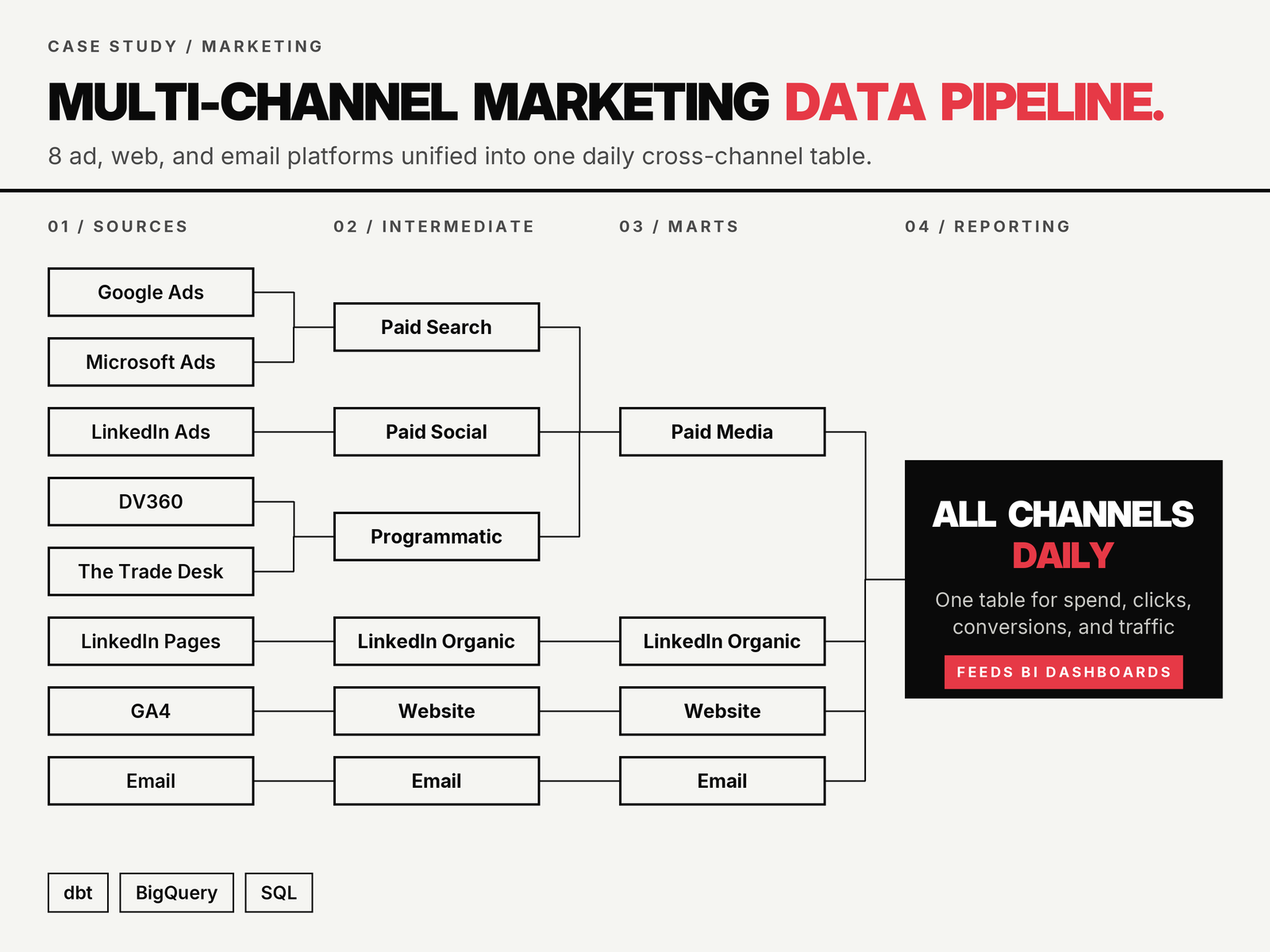
The problem
Campaign names were entered differently on every platform. The same promotion showed up as three different rows in the warehouse, spend rolled up wrong, and nobody trusted the numbers enough to present them without spot-checking first. On top of that, the marketing lead's boss had a standing question every week: are we sure the spend is right? The lead did not have a fast way to answer without pulling raw exports and reconciling them by hand.
The work
Four ad platforms, one documented convention, and no separate monitoring service standing beside the warehouse. Enforcement ran on dbt's own test features, which meant the rules lived next to the models they governed and ran with the transformation rather than on some schedule that needed its own maintenance.
A campaign name that did not match the convention failed a test. It was not silently relabeled and it was not dropped. It landed in the monitored bucket, and the alert went to the marketing team, not only to me. That part was deliberate. The people who can stop producing the problem are the people naming the campaigns, and they only stop if they are the ones who hear about it.
The spend monitor was the same machinery pointed at a different question. Instead of asking whether a campaign name was on the list, it asked whether the day's spend had moved more than 5% up or 10% down against the day before. Same tests, same alert path, same inbox. Nobody had to stand up a second system to watch the numbers once there was already one watching the names.
The solution
We started with the naming. Every platform got a documented convention, and the transformation layer enforced it, mapping legacy variants to the standard so historical data lined up too. Anything that did not match the convention fell into a monitored bucket instead of getting silently relabeled, so drift got flagged the day it happened.
Once the campaign layer was clean, the spend dashboard came together quickly. One view, one definition of spend, one place the team could point to when a stakeholder asked how a campaign was pacing.
The last piece was the reassurance loop for the boss. We set up a spend monitor that watched day-over-day movement across the account. If spend jumped more than 5% or dropped more than 10% versus the previous day, the whole marketing team and I got an email the same morning. Sometimes it was a launch or a pacing change everyone already knew about, and the email closed the loop in one reply. Sometimes it was a reporting problem, and I dug in before anyone had to ask.
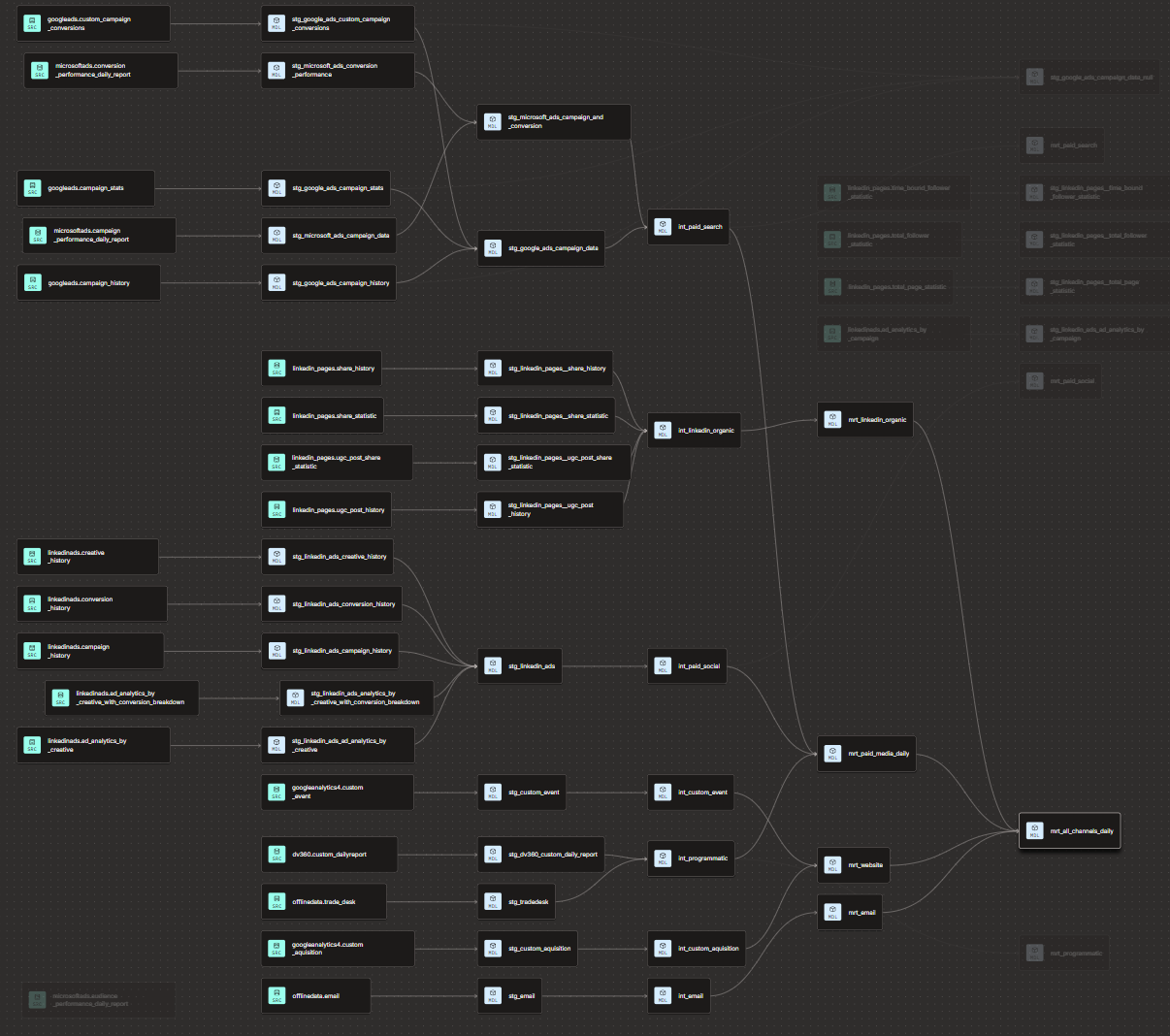
Results
- Campaign naming standardized across four ad platforms with drift detection running daily
- Single spend dashboard replaced three reconciled exports the team was maintaining by hand
- Day-over-day spend alerts caught two reporting bugs in the first month before anyone escalated
- The marketing lead's boss stopped asking whether the numbers were right
“My boss used to ask me every Monday if the spend was accurate. Now he sees the same alerts I do and knows if something is off, we already know about it.”

Freelance analytics engineer. Ten years across dbt, BigQuery, Snowflake and Databricks.
If your stack looks anything like this, let’s talk.
Engagements run four to eight weeks and land as pull requests against your analytics repo. One person, one email, no account team.